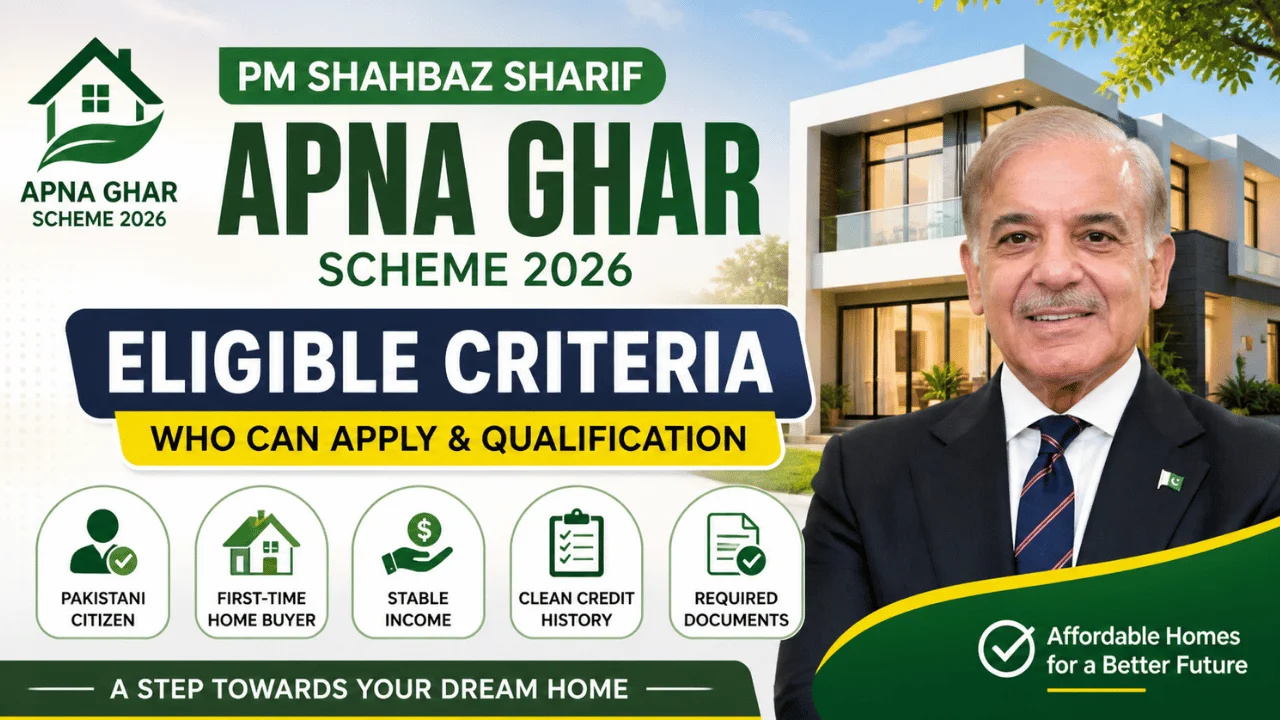
Owning a home in Pakistan has become increasingly difficult, especially for families dealing with rising rent, inflation, and unstable income. For many, saving enough for a down payment or qualifying for traditional bank loans feels almost impossible.
To address this challenge, the government introduced the Apna Ghar Scheme 2026, a structured housing initiative designed to make home ownership more accessible through subsidized financing and simplified application processes.
But here’s the reality:
Most applicants don’t get stuck because of eligibility — they struggle with the registration and login process. Confusion about forms, documents, and steps often leads to incomplete or rejected applications.
This guide breaks everything down in a clear, practical, and real-world way, so you can confidently register and apply without mistakes.
Understanding How the Registration System Works
Before jumping into steps, it’s important to understand how the system is designed.
The Apna Ghar portal works in two stages:
| Stage | Purpose |
|---|---|
| Registration | Create your account |
| Application | Submit your housing request |
Many users think registration = application — but they are separate processes.
👉 Tip: Completing registration does NOT mean you have applied. You must log in and submit the full application.
Who Should Register First? (Practical Insight)
You should proceed with registration if:
- You don’t own a house
- You have a stable income source
- You can provide basic documents (CNIC, income proof)
- You are planning to apply within the next few weeks
👉 If you’re unsure about eligibility, still register first — you can complete your application later.

Step-by-Step Registration Method (Simple & Clear)
Step 1: Visit the Official Portal
Go to the official housing scheme website (avoid third-party or fake links).
👉 Always double-check the URL before entering your details.
Step 2: Click on “Register”
Look for the Register / Sign Up button on the homepage.
Step 3: Enter Basic Information
You will be asked to provide:
- CNIC number
- Mobile number (registered on your CNIC)
- Full name
- Email (optional but recommended)
👉 Real-world tip:
Use your own mobile number — OTP verification is usually required.
Step 4: Create a Secure Password
Choose a password that includes:
- Letters + numbers
- At least 6–8 characters
Avoid simple passwords like 123456.
Step 5: Submit Registration
After submitting:
- You may receive an OTP or confirmation
- Your account will be created
👉 At this stage, you are registered but not yet applied.

How to Login After Registration
Once your account is created, you can log in anytime.
Login Steps:
- Go to the official website
- Click Login
- Enter your CNIC
- Enter your password
- Access your dashboard
What You Can Do Inside Dashboard
- Start a new application
- Upload documents
- Track application status
- Edit personal details
👉 Think of the dashboard as your control panel.
Complete Application Process (After Login)
This is the most important part — where many applicants make mistakes.
Step-by-Step Application Flow
- Fill personal and family details
- Enter income and employment information
- Provide property details (if applicable)
- Upload required documents
- Review everything carefully
- Submit application
Common Mistakes That Cause Rejection
Avoid these real-world issues:
❌ Incorrect CNIC number
❌ Mismatch between income proof and entered data
❌ Uploading unclear documents
❌ Leaving required fields empty
❌ Using someone else’s phone number
👉 Even small errors can delay approval.
Documents You Should Prepare Before Applying
To avoid last-minute problems, keep these ready:
- CNIC copy
- Salary slip or income proof
- Bank statement (if available)
- Property or plot documents (optional)
👉 Pro Tip:
Scan documents clearly — blurred uploads are often rejected.
Why This Scheme Matters (Beyond Just Housing)
This program is not just about owning a home — it has broader impact:

- Helps families move from renting to ownership
- Encourages savings and financial discipline
- Boosts construction industry and employment
- Supports long-term economic stability
👉 In simple terms:
It’s both a social welfare program and an economic driver.
Practical Advice Before You Apply
1. Don’t Rush the Form
Take your time — accuracy matters more than speed.
2. Apply Early
High demand can slow down processing later.
3. Keep Login Details Safe
You’ll need them multiple times.
4. Avoid Agents
Always apply yourself using the official portal.
Comparison: Registration vs Application
| Feature | Registration | Application |
|---|---|---|
| Required first | ✅ Yes | ❌ No |
| Creates account | ✅ Yes | ❌ No |
| Submits housing request | ❌ No | ✅ Yes |
| Needs documents | ❌ No | ✅ Yes |
| Can be edited later | ✅ Yes | Limited |
FAQs – Real User Questions
1. Is registration free?
Yes, registration on the official portal is completely free.
2. Can I apply without logging in?
No, you must create an account and log in before applying.
3. What if I forget my password?
You can reset it using your CNIC and mobile verification.
4. How long does approval take?
Processing time varies depending on verification and bank procedures.

5. Can I edit my application after submission?
Usually, editing is limited — so double-check before submitting.
6. Is the scheme available nationwide?
Yes, it is generally available across Pakistan, depending on bank participation.
Final Thoughts
The Apna Ghar Scheme 2026 login and registration process is straightforward — but only if you understand each step clearly.
Most problems arise from lack of preparation and small mistakes, not complexity.
If you:
- Register correctly
- Provide accurate information
- Upload proper documents
👉 You significantly increase your chances of success.
For many families, this scheme is not just an opportunity — it’s a real pathway to stable home ownership.
Take your time, follow the process carefully, and apply with confidence.